CurrencyXchanger Screenshots
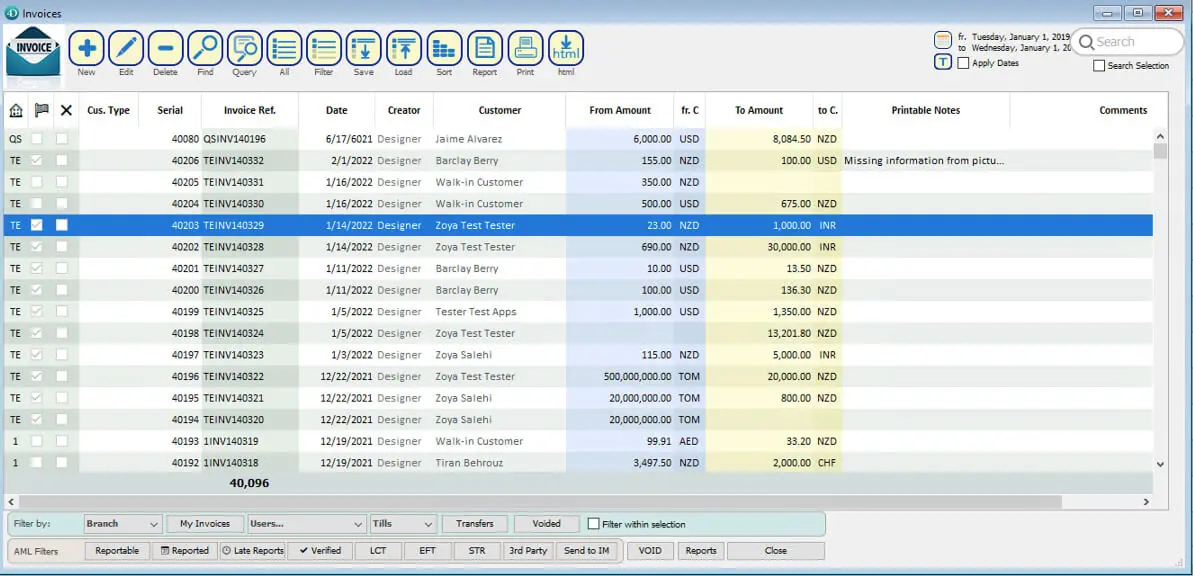
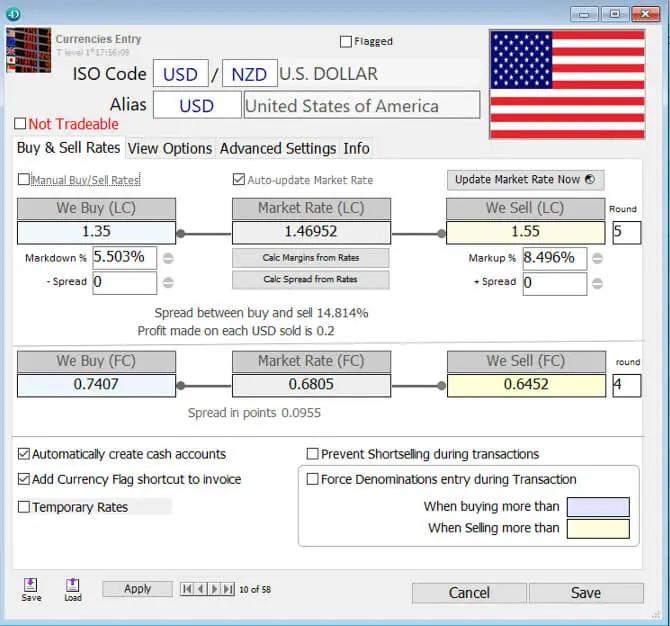
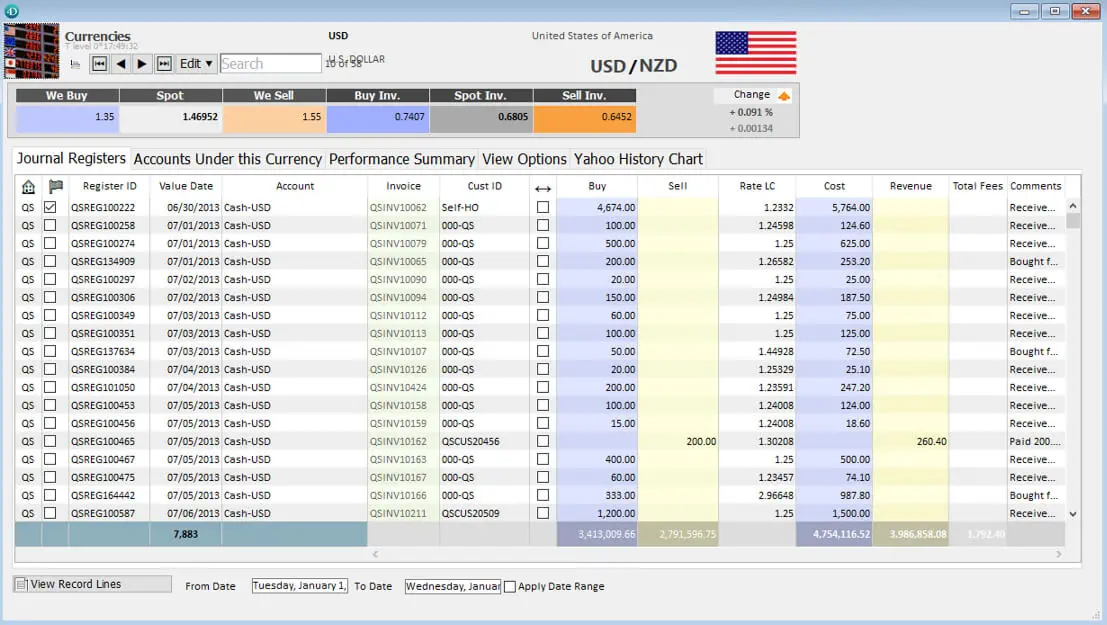
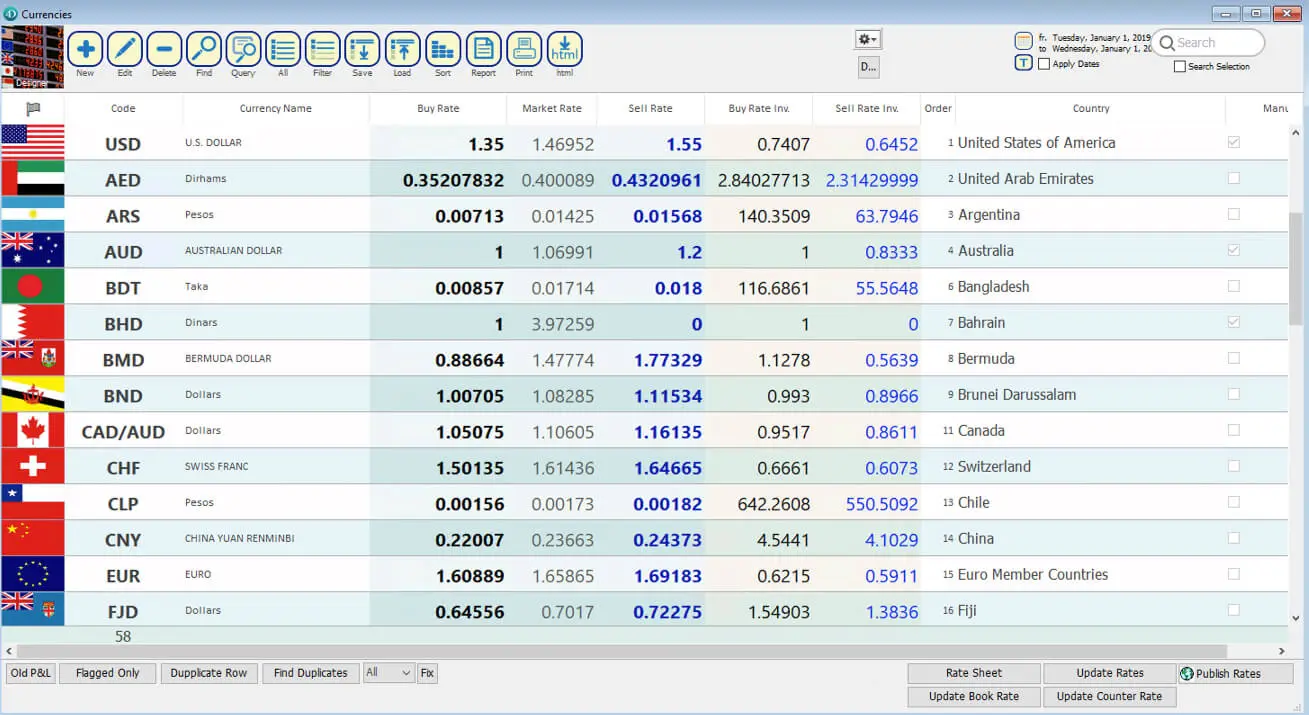
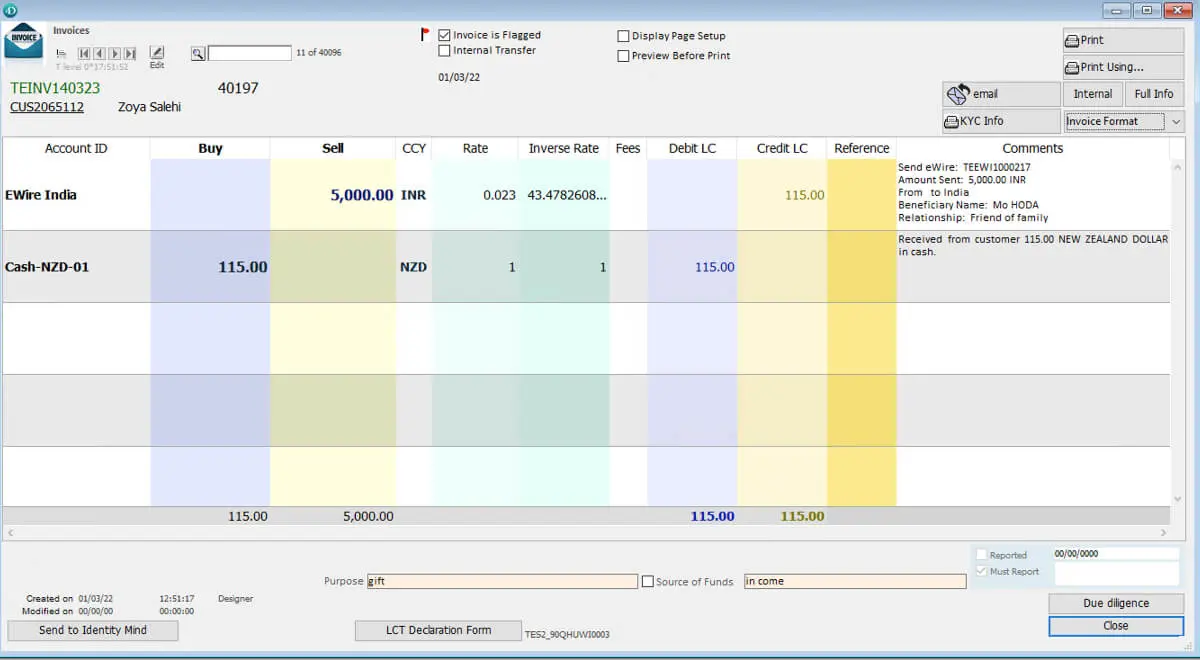
The screenshots below give you a closer look at the CurrencyXchanger interface and how the software is organised for day-to-day work. They are intended to help you get a feel for the system before requesting a demo or choosing an edition.
CurrencyXchanger brings common currency exchange tasks into one working environment, including customer records, transactions, exchange rates, cash handling, and operational information. The exact screens and available features can vary depending on the edition and configuration used by your business.
Use the gallery to browse through the interface and see how information is presented to staff during everyday operations. If you would like to see a specific workflow in more detail, such as processing a transaction or working with customer records, Clear View Systems can demonstrate it during a product demo.
Screens shown here are examples and may differ slightly from the current version of the software.